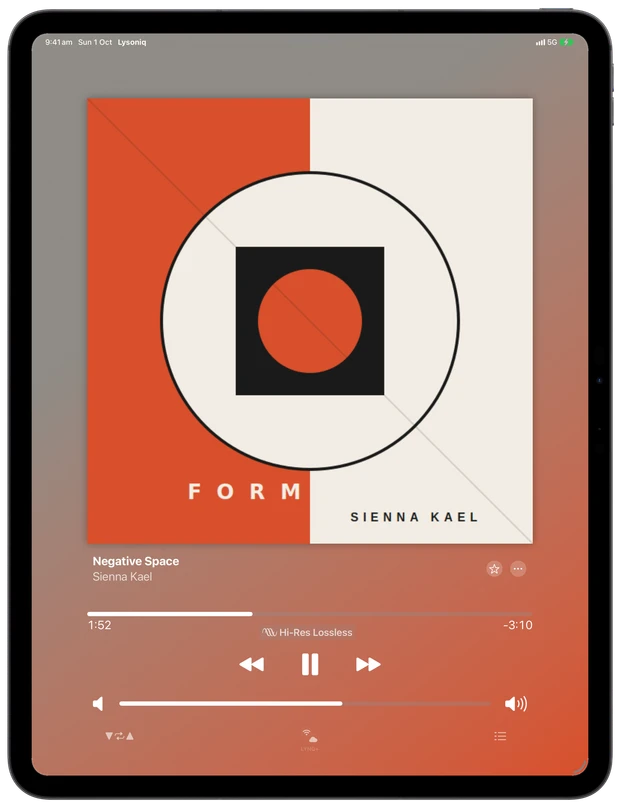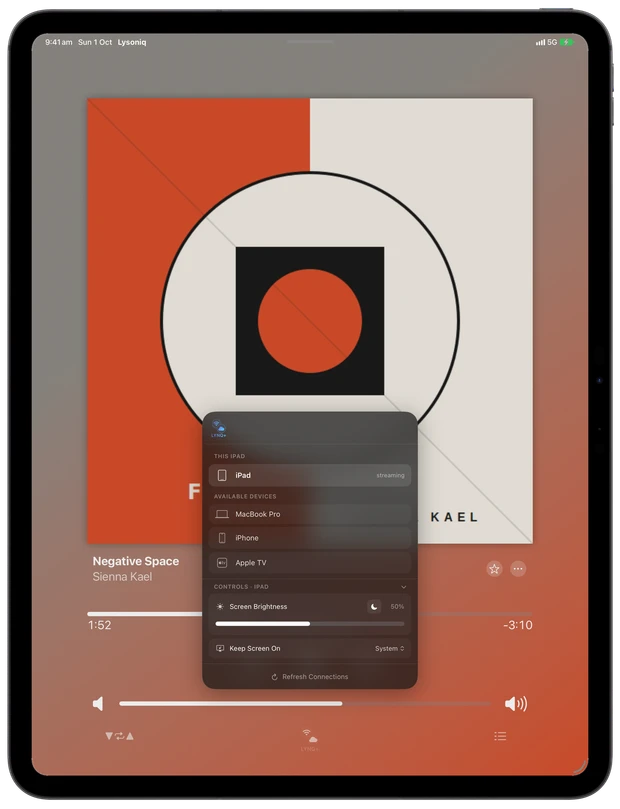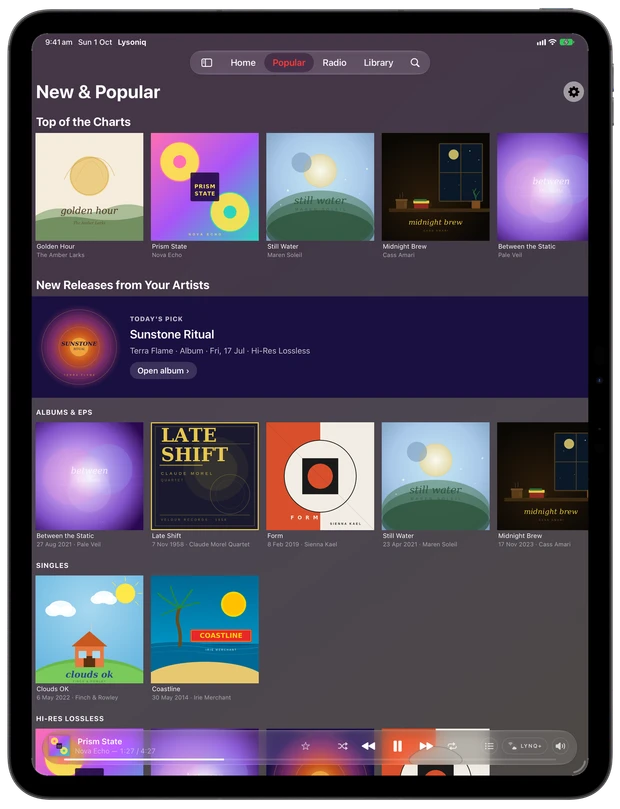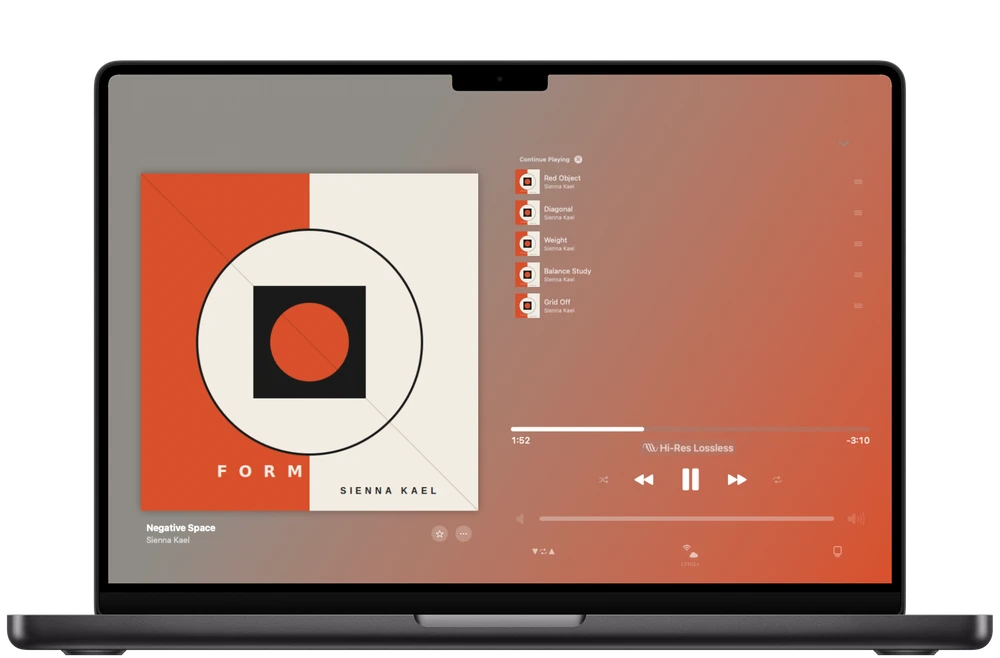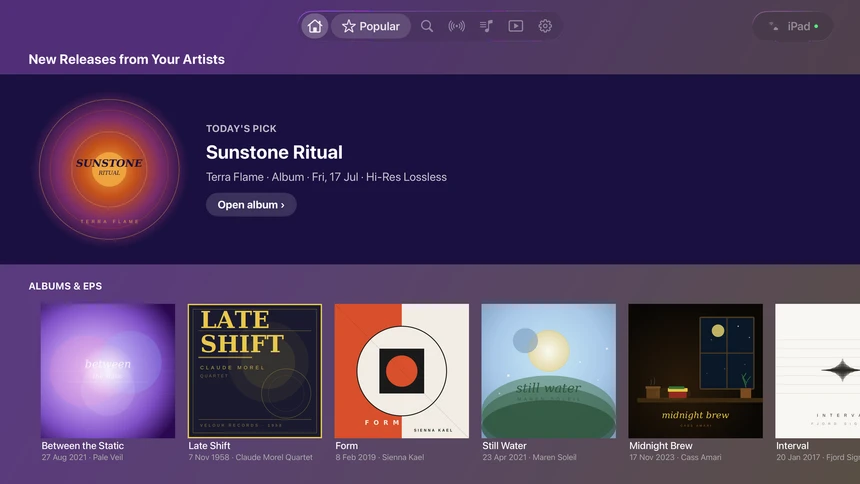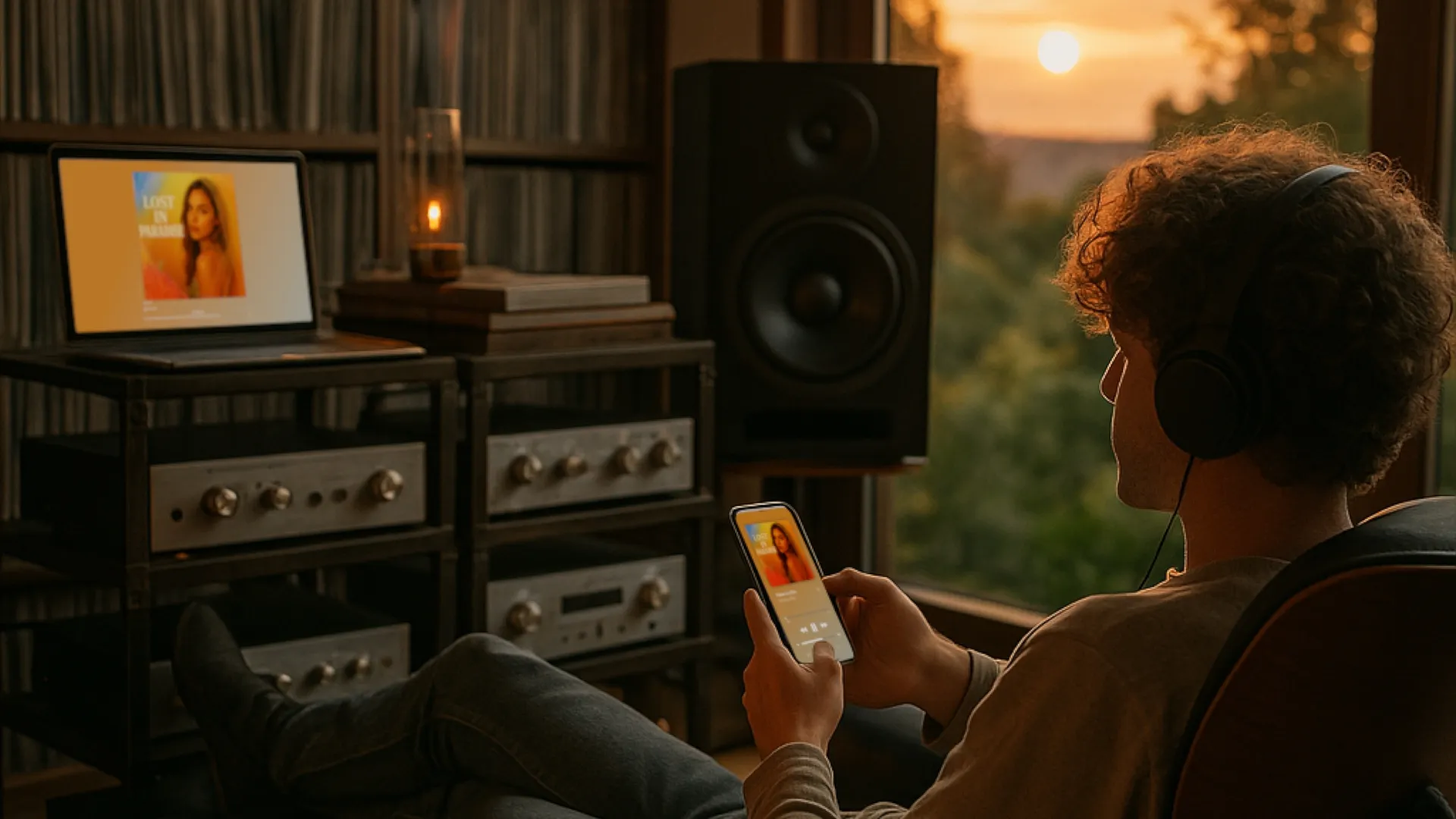
Stream at full resolution from Apple Music on any device — and control it remotely from any other. No AirPlay downsampling, no compromise.
One-time universal purchase · Works on all your Apple devices
How It Works
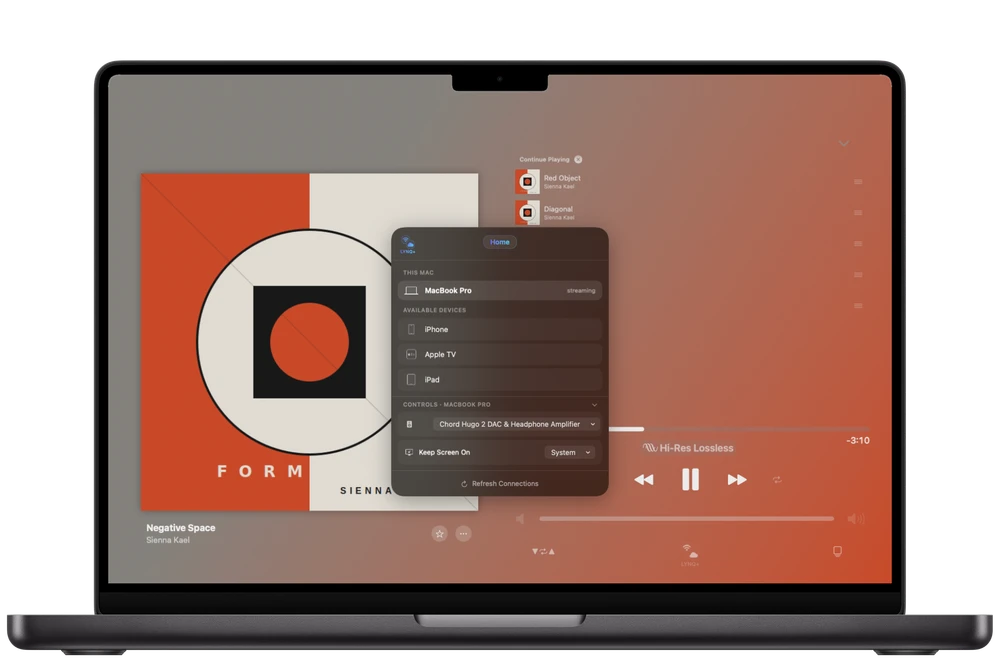
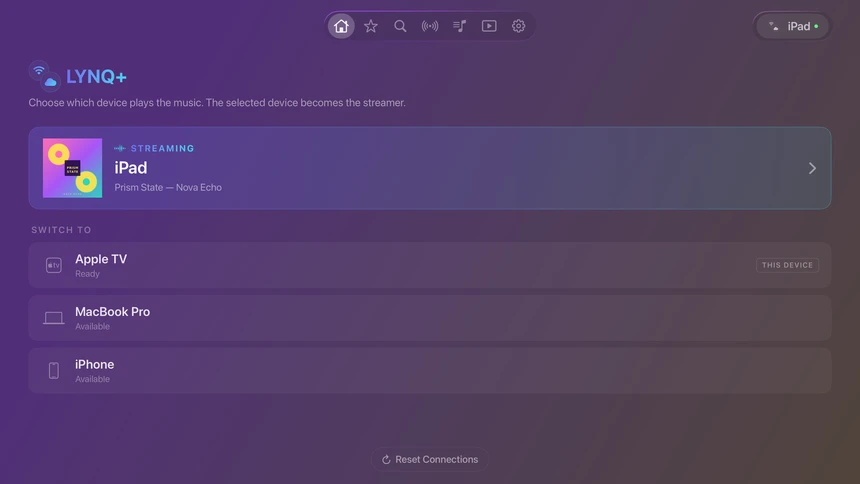
Lysoniq creates what's essentially Spotify Connect for Apple Music — but without any of the quality compromises of AirPlay or Bluetooth.
Download Lysoniq on any combination of iPhone, iPad, Mac, Apple TV, or Apple Vision Pro. They discover each other automatically on your local network.
Connect that device to your DAC, amp, or hi-fi system. It plays at the highest resolution it supports — up to hi-res lossless on iPhone, iPad, Mac and Apple TV 4K (3rd generation or later).
Your other devices become fully synced remote controllers — browse, queue, skip, and adjust, all in sync. On your local network it works out of the box; the LYNQ+ subscription extends control over 5G, LTE and across different Wi-Fi networks.
Platforms
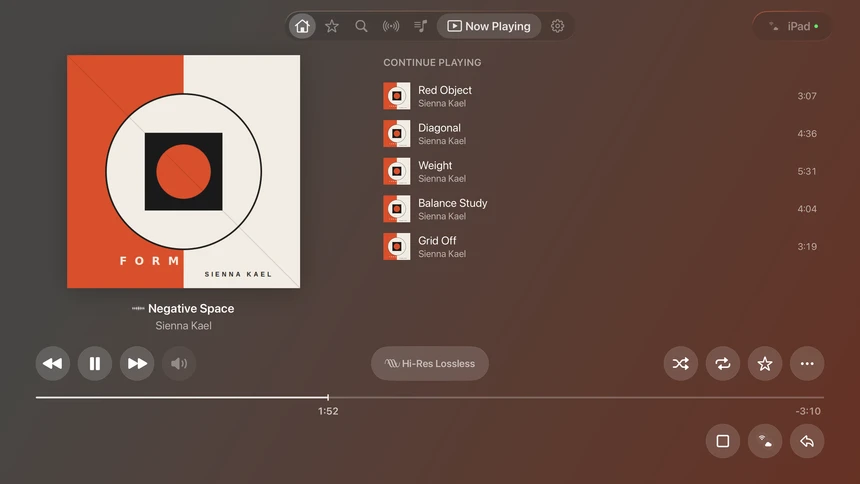
Use any device as a streamer or controller. Mix and match however suits your setup.
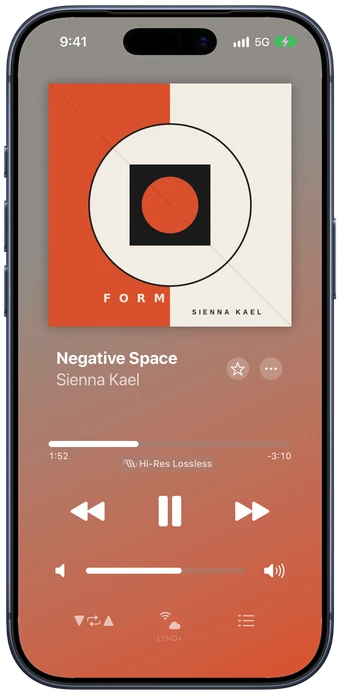
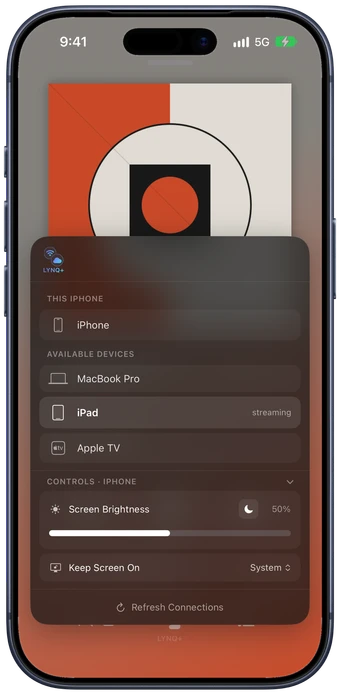
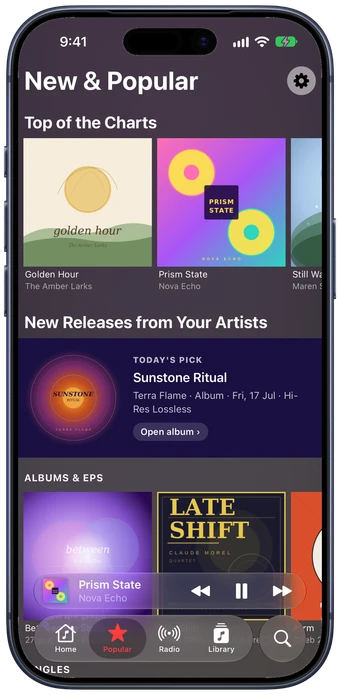
The perfect controller. Browse the Apple Music catalogue, manage the queue, and switch streamers — all from your pocket. Or connect to your DAC for hi-res lossless playback up to 24-bit/192kHz
New
Control your streamer from a device that isn't an Apple one, and get every track at its true sample rate on the Mac.
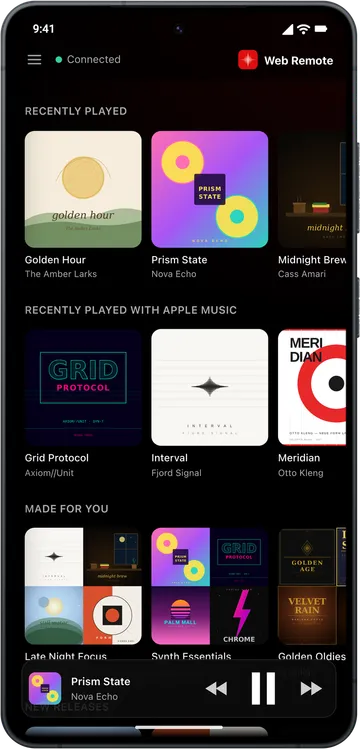
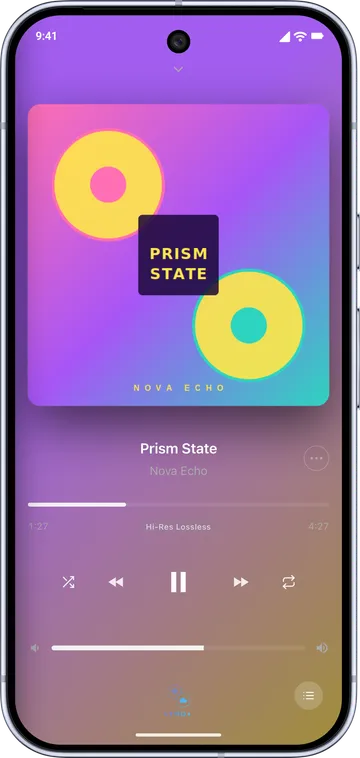
Any device with a browser — Android, Windows, Linux, Chromebook — becomes a full Lysoniq remote. Browse, search, queue and control playback on your Lysoniq streamer, with no second Apple device needed. Included with LYNQ+.
 Lysoniq Switcher
Switched before the track started
Predictive sample-rate switching for your DAC. The Switcher changes your Mac's output rate inside the fade-out of the track that's ending, or in a brief gap between tracks, so the next one plays at its true rate — 44.1 to 192 kHz, exactly as Apple Music streams it. A free download for Lysoniq on the Mac.
Features
Lossless and hi-res playback at the highest quality your chosen Apple device supports. No AirPlay downsampling — the full signal path from Apple Music to your DAC.
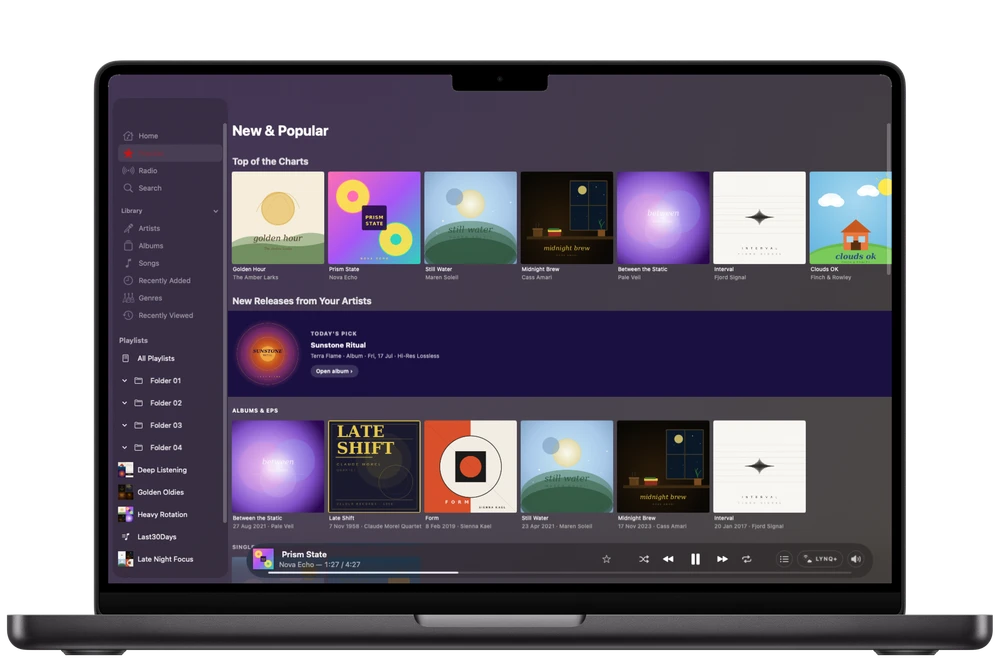
Every device is a complete controller. Browse, search, queue, shuffle, repeat — with instant sync across all connected devices. Local-network control is included; LYNQ+ adds control over 5G, LTE and other networks.
One purchase covers all your Apple devices, and local-network control between them works out of the box. Use it with your existing single Apple Music plan — no extra accounts needed.
Zero-bias shuffle that actually randomises your library. No algorithm weighting, no repeats — genuine randomness.
Built-in Last.fm integration with synced credentials across all your devices. Track your listening history automatically.
Set a loop on any section of a track for critical listening or gear comparison. Add a timer between loops to switch equipment.
Get Started
Download Lysoniq and hear your music the way it was meant to be heard.
Download on the App StoreAvailable for iPhone, iPad, Mac, Apple TV & Vision Pro
iOS & iPadOS 16.6 · macOS 14 · tvOS 17.6 · visionOS 1 or later
 r/Lysoniq
Join the community for updates, feature requests, and discussion